
PDF Mate – Launcher is an app designed to help users open and read PDF documents on their Android device. Beyond its core function as a PDF viewer, it offers an optional home screen and launcher feature. This allows users to integrate their PDF tools with quick access to common system apps and other installed applications, effectively making it a central hub for file management and daily app access directly from the home screen.
PDF Document Viewing and Management
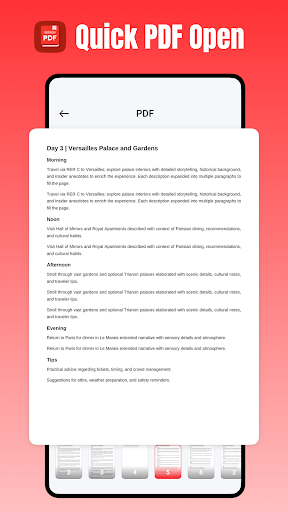
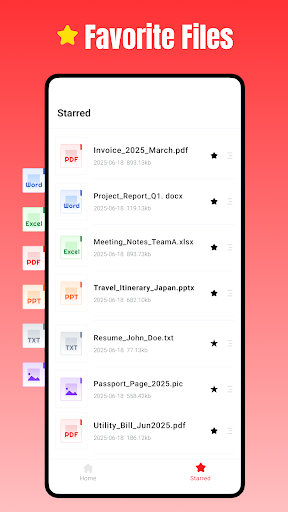
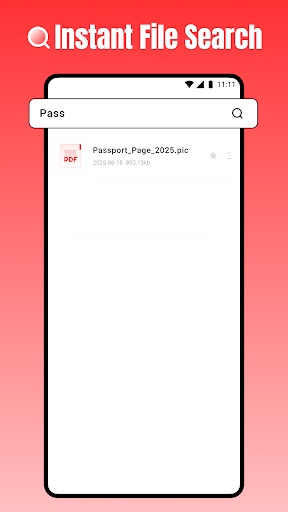
The app focuses on essential PDF viewing needs, providing a straightforward way to manage and view your files. Users can open PDF documents instantly with a single tap, facilitating quick access to their content. For important files, there is a feature to mark them as favorites, making it easier to locate them later. Additionally, an instant file search capability allows users to find specific PDF documents using simple search queries.
Integrated Launcher Functionality
A distinctive aspect of PDF Mate is its optional home screen and launcher. Users can choose to set PDF Mate as their default home screen, which positions PDF tools alongside everyday apps. This integration provides quick access to common system applications and other installed apps directly from the home screen. Users retain the flexibility to change their default home app at any time through their Android system settings.
File Sharing
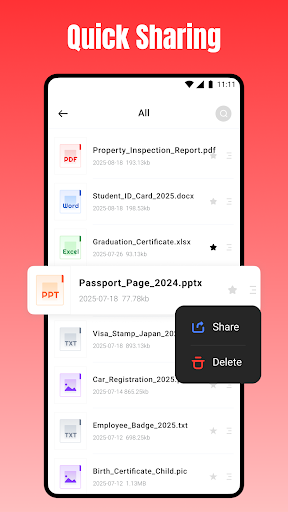
The app includes a Quick Sharing feature, enabling users to easily distribute their PDF documents. This functionality supports sharing via other apps or email, offering a convenient way to send files to contacts or other services.
Storage Access and Offline Use
On Android 11 and later versions, PDF Mate requires the MANAGE_EXTERNAL_STORAGE permission. This permission grants the app full access to PDF files stored across the device’s storage. It is specifically applied to core document tasks such as opening and deleting files, and the developer states it is not used for personal or unrelated data. The app is also designed to work offline, meaning an internet connection is not required to access and manage documents.





Write a review